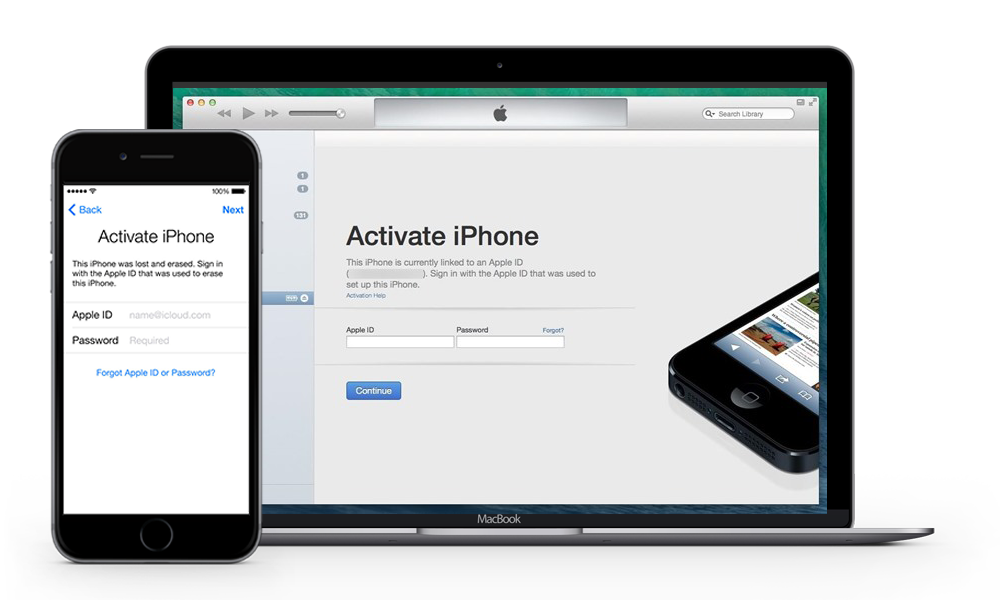
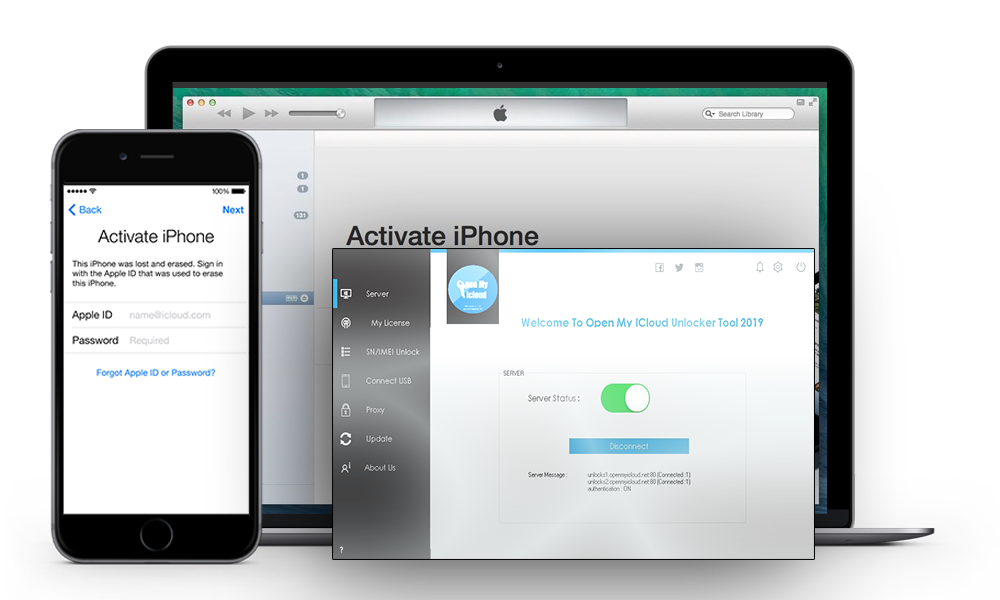
FREE
with our partner TrialPay
OPENMYICLOUD UNLOCKER TOOL
Download the OpenMyIcloud Unlocker tool to unlock iCloud on iPhone, iPod, or iPad. Connect your device to a computer, run the OpenMyIcloud script, and follow the on-screen steps while our activation servers process the request.
Get the latest build from our official download page or read the walkthrough on iCloud News.
OPEN MY ICLOUDACTIVATOR
Bypass the iCloud activation lock on iPhone, iPad, or iPod with the OpenMyIcloud Activator Server. Download OPEN MY ICLOUD Activator and follow these steps:
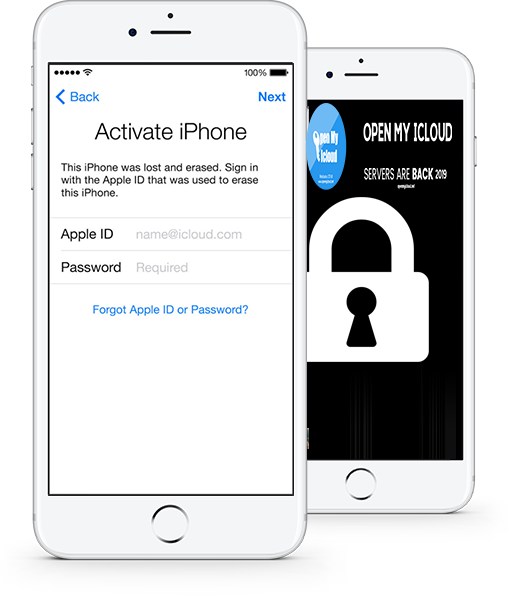
Team OPENMYICLOUD maintains the OPEN MY ICLOUD Server (iCloud Unlock Server) together with the OPEN MY ICLOUD Tool (iCloud Bypass Tool). Both options target devices stuck on the activation screen when you no longer have the original Apple ID password. Connect your iCloud locked iPhone or iPad to a Mac or PC with iTunes or Finder open during the steps we publish.
How it works?
You can bypass the iCloud activation lock with the OpenMyIcloud Activator. Install the package, connect the device, and download OPEN MY ICLOUD from our news section. After setup, follow our support instructions to finish activation in iTunes or Finder.
The free tier helps cover server costs through partner offers on some downloads. Paid licenses skip the offer step and include faster support.
* When an offer is required, the download link is sent after you complete it.
OPEN MY ICLOUD provides two paths: a desktop Unlocker script and an online Activator server. Both are built for owners who bought a used device and need to clear an old iCloud login. Our mirror activation flow works when the phone is connected to iTunes or Finder on Mac, Linux, or Windows.
OPEN MY ICLOUD Unlocker Tool is a Windows and Mac script package that removes the activation lock locally. Run it offline after you download and extract the files. OPEN My Icloud is a command-line workflow, not a graphical app.
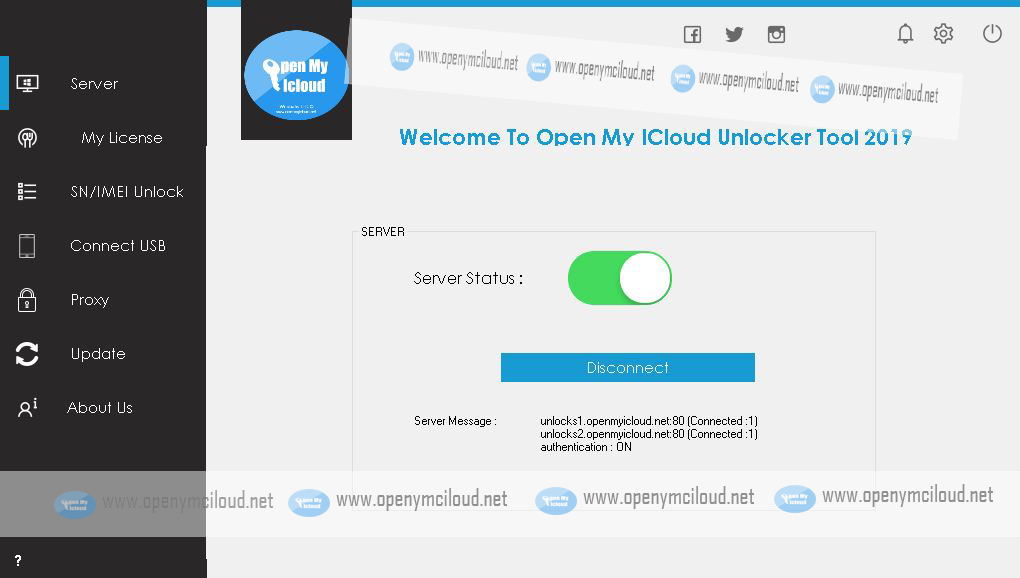
Download OPEN MY ICLOUD Unlocker tool for Windows and Mac: OPEN MY ICLOUD Unlocker tool.
OPEN MY ICLOUD Server Activator is our online bypass service. It talks to your iPhone, iPad, or iPod through iTunes or Finder after you register and enter the server IP we provide.
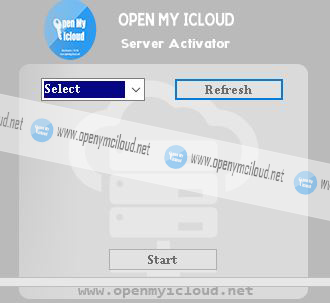
Download OPEN MY ICLOUD Server Activator for Windows and Mac: OPEN MY ICLOUD Server Activator.
Open My iCloud offers a free trial path, a personal license, and a business license for shops that unlock many devices.
Get Premium to fund server uptime and receive faster activation slots.
When funding goals are met, more free server time is added for the community.
Premium backers get priority on the beta activation list.
Need the OPENMYICLOUD unlock tool for Windows or Mac? Download OPEN MY ICLOUD here.
with our partner TrialPay
or more Automatic Updates
50% discount per renewal
OpenMyIcloud.net is built for people who picked up a used iPhone, iPad, or iPod and cannot pass the iCloud activation screen. The homepage links to two core products: the Unlocker Tool for offline scripts on Mac or Windows, and the Server Activator for online registration with our mirror server.
Start with the How it works section above, then compare the Tool and Activator cards in the download area. When you are ready to install, open the business download portal. Step-by-step articles and version notes live on iCloud News. Common errors and device-specific tips are collected on the FAQ and support page.
Before you begin, confirm that you own the device or have written permission from the owner. Keep a USB cable, the latest iTunes or Finder on a trusted computer, and a stable internet connection for Activator sessions. If a step fails, note the exact error text and your iOS version so support can respond faster. New visitors should read our iCloud Activation Lock Guide for lock checks, Tool vs Activator tips, and a prep checklist before downloading.
You can reach the OpenMyIcloud team at openmyicloud.net through this contact form. Use it for business and partnership mail, not device unlock tickets.
Please allow 24 to 48 hours for a representative to reply.
You can contact us about:
• Partnerships, promotions, or sponsoring.
• Joining OPEN MY ICLOUD as a writer, translator, or promoter.
• Advertising our tools on search engines or social media.
• Placing your brand on our site or video channels.
• Website feedback or feature ideas.
SUPPORT
For unlock help, read the Frequently Asked Questions first.
If you still need help, write to us here and allow 1 to 5 business days for a reply. You can also use Facebook Live chat on the right when it is online.